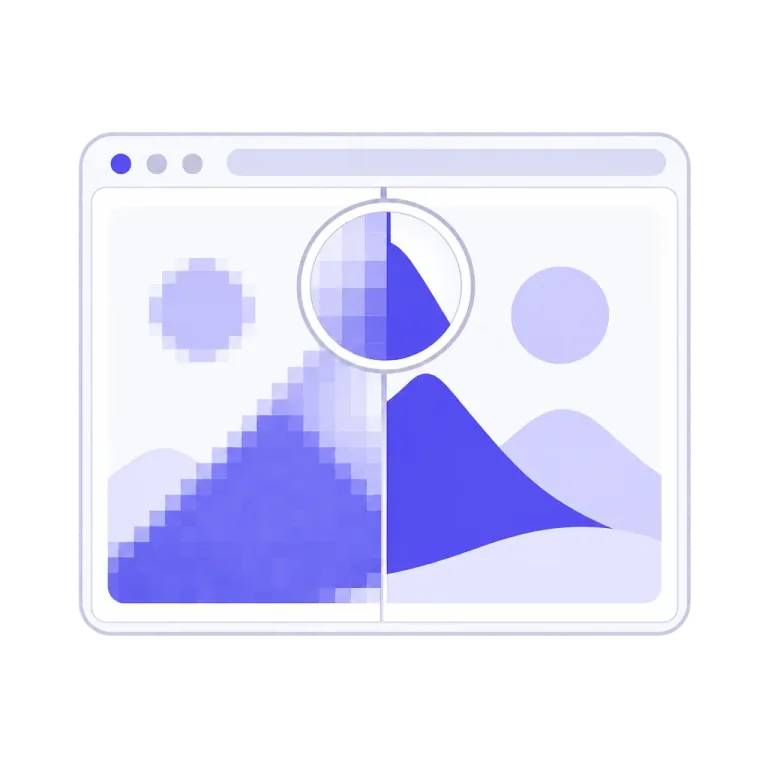
The complete result, before any payment.
Every trace renders the finished vector at full quality — unwatermarked, every control live, no account, as many traces as you like. Zoom to 8× and the preview re-renders razor-sharp from the vector itself; switch on Outlines and see the actual curve network you'd be buying, boundary by boundary.
The preview is the proof, not a teaser. When it convinces you, the plan turns it into files.
Colours counted the way your eye counts them.
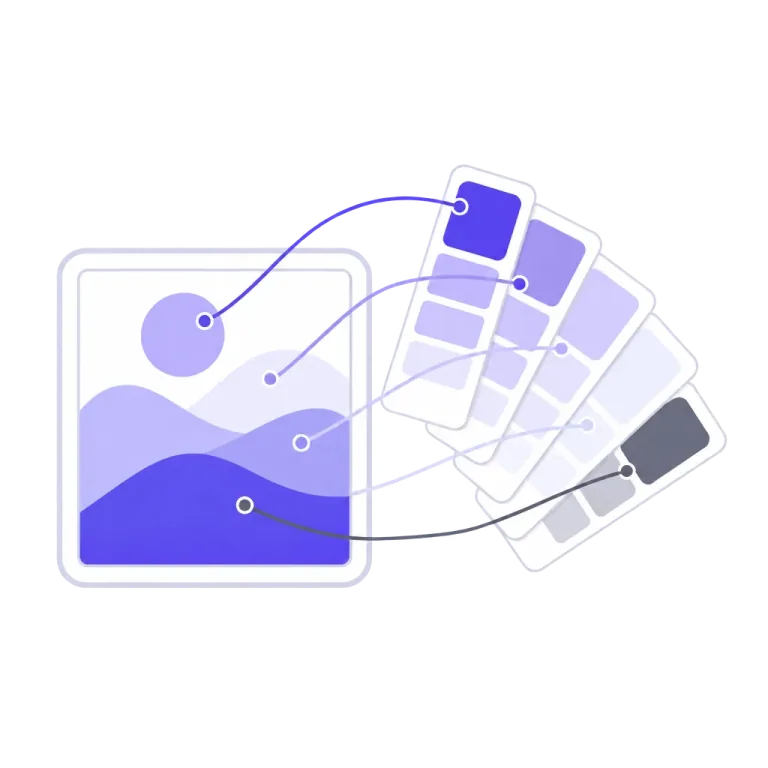
Ask an ordinary quantizer for a five-colour logo and you get fifteen colours back — every soft shadow and anti-aliased edge promoted to a "colour" of its own. Unpixel's chromatic seat logic reads only the pixels that are genuinely the artwork's ink: shade families group into one seat, a gradient seats both of its ends, and anti-aliasing never invents a colour. A five-ink design answers five.
Near-twin tones a lesser palette would flatten — a near-white mark on white, panels a few levels apart — stay apart, and a stroke too thin to hold one solid pixel still earns its own ink. On flat artwork that genuinely carries more inks than most tools can hold, Auto keeps seating up to 24, stopping only when the two closest colours left are ones you'd call the same.
One clean layer per ink, stacked in paint order.
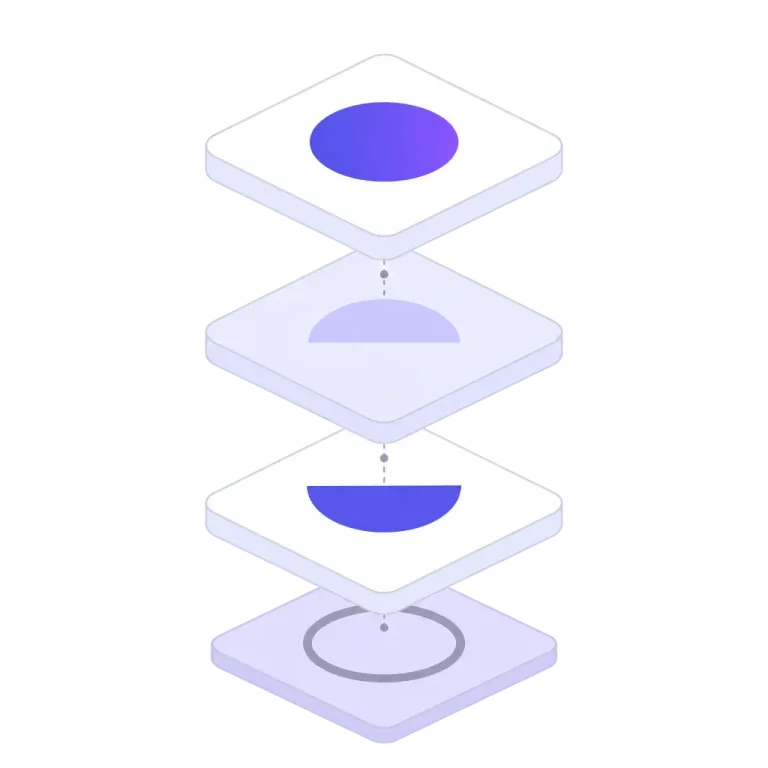
A colour trace comes back as stratified ink layers: each colour is its own group of paths, stacked exactly as painted, so the file opens in any design tool already organised. The layer panel is live in the free preview — hide a layer, recolour it, merge two into one — and what you arrange is what every download contains.
Group by color folds together same-ink layers the tracer split only for stacking reasons — and it merges strictly where the picture provably cannot change. Transparent backgrounds survive as transparency: no invented backdrop, ever.
Boundaries land where your artwork put them — not where the pixel grid did.
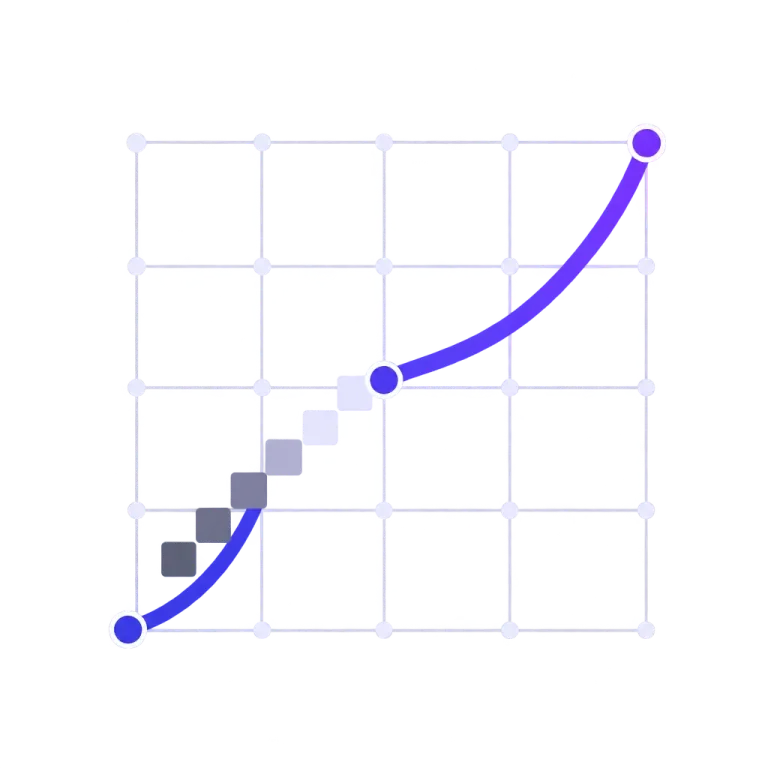
A raster edge doesn't really live on the pixel grid: its true position is written into the anti-aliasing, a fraction of a pixel at a time. Unpixel reads it back. Where two inks meet, the mixing ratio of the boundary pixels tells the engine exactly where the edge runs, and the curve is placed there — off the grid, at sub-pixel precision.
Each boundary is then described once: as few Bézier anchors as the shape allows, held within a tenth of a pixel — not a dense chain of jittered points. Edges that stay true at any zoom, in files that stay light.
A boundary pixel's tint records how much of it is ink. That fraction pins where the true edge — the dashed line — crosses the pixel: the position is written into the anti-aliasing itself.
Snap that boundary to the pixel lattice and the edge can only travel along grid lines: corners everywhere, twelve anchors, and each step lands up to half a pixel from the truth.
Unpixel reads the mixing fractions back (the ×s) and fits one curve through the recovered positions — off the grid, three anchors here, held within a tenth of a pixel.
The right mode before the first trace.
Drop a colour logo into a black-and-white tracer and you get a silhouette. Unpixel doesn't let that happen: polychrome autosense reads the pixels you dropped and, when the artwork carries real colour — or real tone, like a shaded pencil sketch or a black-and-white photo — it opens Color mode by itself and says so.
It is deliberately one-sided: a tinted page scan is still a page scan, a crisp wordmark stays in B&W, and the moment you pick a mode yourself it stops second-guessing you.
The app tells you when it can do better.
Two detectors watch every trace. If a photographed sketch or whiteboard carries a shadow across it — the kind that floods half a drawing solid black — a chip over the preview says so and offers Even lighting, which estimates the room's light and divides it out of your image. If a trace comes back carrying a pile of noise specks, the chip offers Auto-clean: that image's right cleanup, in one click.
When both apply, lighting comes first — cleaning grain can't rescue a flooded page. And when your settings are already where the fix would put them, the chips stay quiet.
SVG, PDF, EPS and PNG — sized in real units.
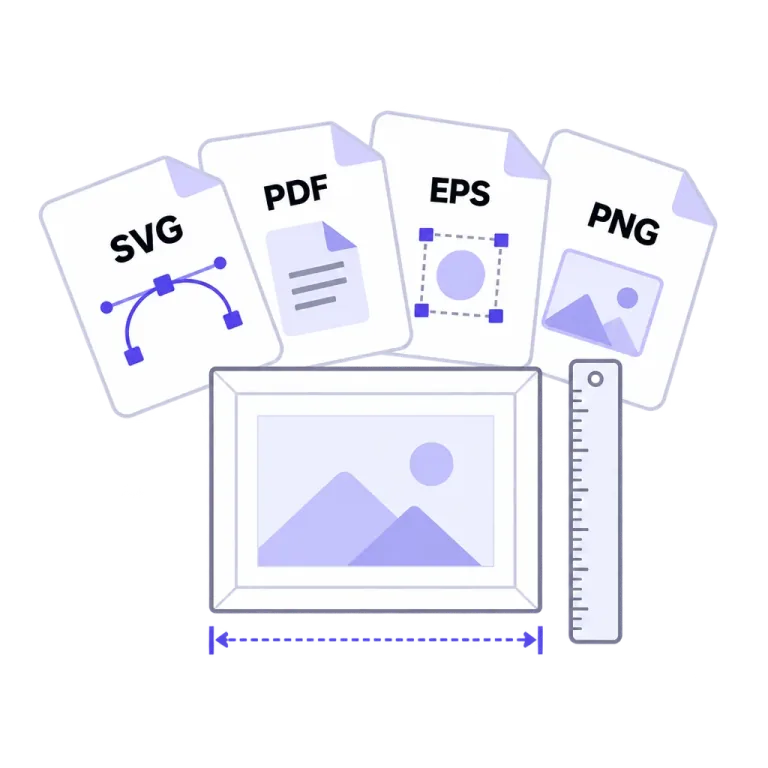
One plan, every format: the SVG itself; print-ready PDF; EPS for Illustrator-class and sign tools; clean PNG renders at 1×, 2× or 4×. Give any export one width — in px, mm or inches — and the height follows your artwork's aspect. A 100 mm export measures 100.000 mm in the consuming app, to the third decimal; pixel sizes going onto a physical PDF or EPS page take a DPI.
Every layer edit you made in the preview — hidden layers, recolours, merges, Group by color — carries into whichever format you download.
Same image in, same SVG out. Every time.
Unpixel's trace core is pure, deterministic geometry — no generative model ever touches your artwork, and nothing appears in your vector that isn't in your file. The same input at the same settings produces the same SVG, byte for byte: re-trace it a hundred times and you get one answer, not a hundred interpretations.
That's what makes results worth building a workflow on — what you approved is exactly what you'll get again.
Quality is a number here, not an adjective.
Every engine change must beat a measured record on a frozen corpus of gated test images — logos, wordmarks, scans, screenshots, photos — where a regression is a blocker, not a footnote. Letter counters must stay open at any setting, thin strokes must keep their own colour, clean logos must trace with zero specks.
Every deploy is re-proven, too: production's own output is checked byte for byte against the committed record. When something gets worse, the record says so out loud — that discipline, not any single number, is the feature.
Trace something. The preview is the demo.
Full quality, no watermark, no account — see your own artwork first.
Open the converter